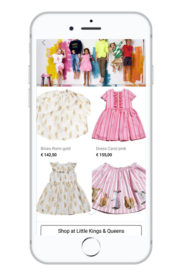
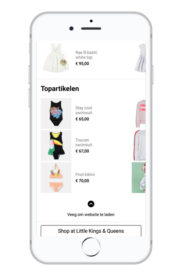
Baldwin’s SEO module for Magento 2 comes with a series of tracking and SEO functionalities, developed based on extensive 1st hand experience and through research.
Taking the custom development into our own hands can be difficult sometimes, but it gives us the opportunity to create new efficient solutions for Magento 2.
Advanced tracking
Google Tag Manager
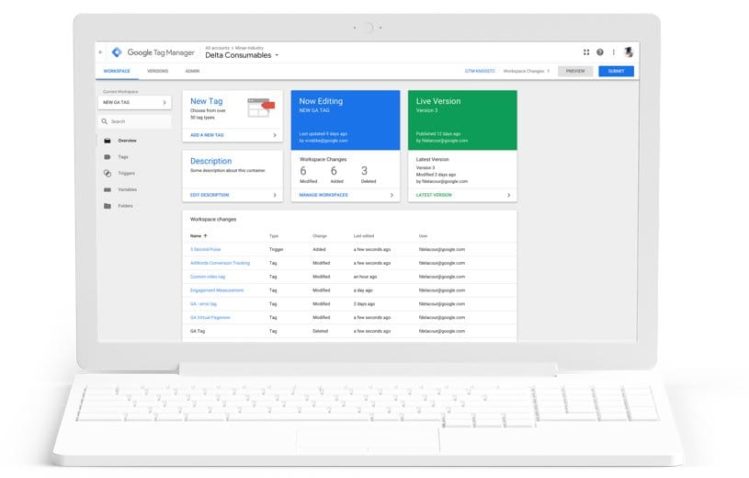
Baldwin’s marketing team strives to get development independence, meaning that their goal is to be able to allow themselves and our customers to implement tracking and tracking codes in the shortest time possible, with the lowest costs. As such, they are intense users of Google Tag Manager (GTM).
Google Tag Manager is a Google-developed tool, that allows us to quickly and easily update tracking codes and related code fragments collectively known as “tags” on your website or mobile app.
Enhanced e-commerce and user actions
In terms of user tracking, Baldwin’s SEO module uses enhanced e-commerce features that allows you to have an in-depth look over the user interaction throughout the sales process, as well as monitoring specific user actions.
The enhanced e-commerce features were implemented based on direct Google documentation, the information below will be available in your Analytics account, upon its configuration:
- Product Impressions
- Product Clicks
- Product Detail Impressions
- Add / Remove from Cart
- Checkout
- Purchases
Apart from e-commerce information that will help you to better understand where your customers drop off in the sales funnel, we also track specific user actions, that show purchase intent and which can be a good trigger to bring back traffic to the webshop.
We track:
- Adds to wishlist
- Site searches
- Sent contact forms
- Newsletter subscriptions
Beyond the user interactions mentioned previously, we collect extra information about users to help you better understand the context of these actions. As such, we also track:
- Search queries
- The payment method used
- The country and the city where the order will be delivered
- Page type
- If the customer is logged in and in which customer group he’s added
Unique SEO functionalities
Canonical URLs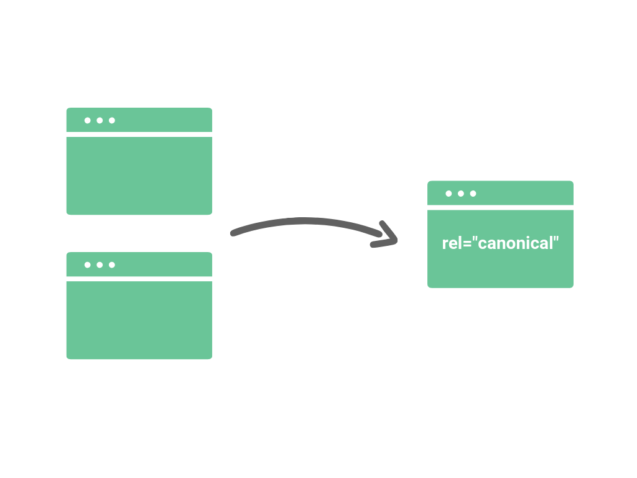
Usually, product and category pages can be accessed via multiple URLs, depending on the user’s point of entry and navigation flow. In cases like these, where you have a single page accessible by multiple URLs, or different pages with similar content (for example, a page with both a mobile and a desktop version), Google sees these as duplicate versions of the same page.
Google will choose one URL as the canonical version and crawl that, and all other URLs will be considered duplicate URLs and crawled less often.
Hreflang tags
If you have multiple versions of a page for different languages or regions, tell Google about these different variations. Doing so will help Google Search point users to the most appropriate version of your page by language or region.
Sitemap.xml
A sitemap is a file where you provide information about the pages on your webshop. Search engines like Google read this file to more intelligently crawl your site.
A sitemap tells the crawler which files you think are important in your site, and also provides valuable information about these files: for example, for pages, when the page was last updated, how often the page is changed, and any alternate language versions of a page.
SEA image label
Upon uploading your products on the webshop, you can also choose in one go the image to be used in the product catalogue feeds you’ll later on use for advertising.
Search results page
We transformed the default search results page into a Google index-ready page, that contains proper headings and meta information.
Nofollow directive
“Nofollow” provides a way for webmasters to tell search engines “Don’t follow links on this page” or “Don’t follow this specific link.” This means that Google will not transfer PageRank or anchor text across these links.
Automatic redirects
One of the most challenging aspects of running a webshop is making SEO keep up with the stock availability. For indexed product pages that occupy a great position in SERP, it’s a waste to redirect all that traffic to a 404 page.
Product feed generation for Advertising
Used mainly for dynamic remarketing campaigns, generating a product feed from your webshop can be done in a few clicks and the output is compatible with Facebook, Google Merchant and Google AdWords. So no matter the SEA strategy, we got you covered.